Convert your wedding card to a digital invitation
Already have a printed wedding, engagement or reception card? Upload the PDF or a photo — we read the names, date and venue, then turn it into a cinematic digital invitation you can share as a link.
PDF or photo · Free to convert · Ready in about 10 mins
Prefer to type the details yourself?
Start from scratch in the invitation builder — same designs, RSVP and share link.
Open create invitationCouples often finish a printed invitation first — then need a WhatsApp-ready link, live RSVP, and a design that looks premium on every phone. Forever Tale turns that card into an interactive digital invitation without retyping every detail.
Upload a clear photo or PDF of your wedding invitation card. Our reader extracts the couple names, event date, time and venue for your wedding, engagement or reception. You pick a Forever Tale design, save the draft, and share a personal link — create for free, then pay once when you're ready to share.
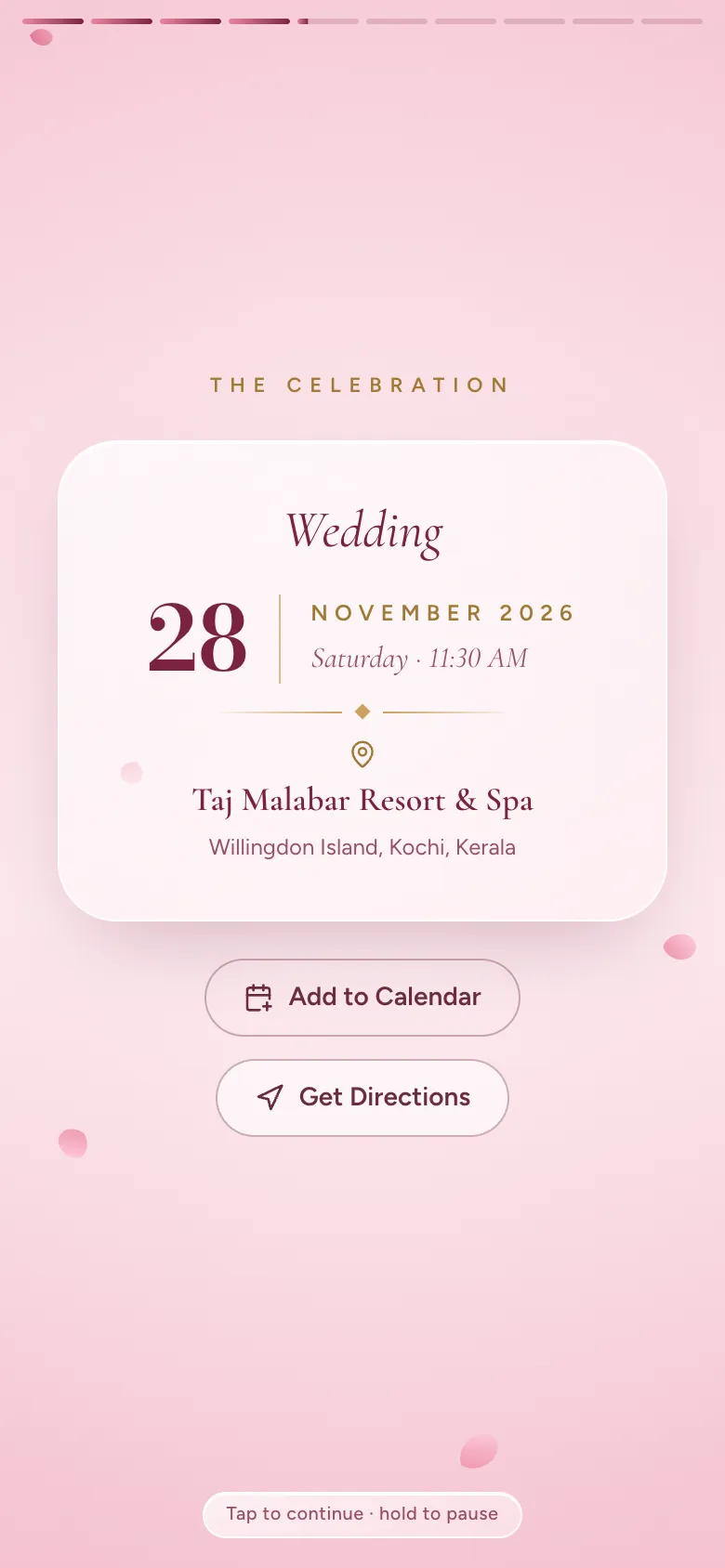
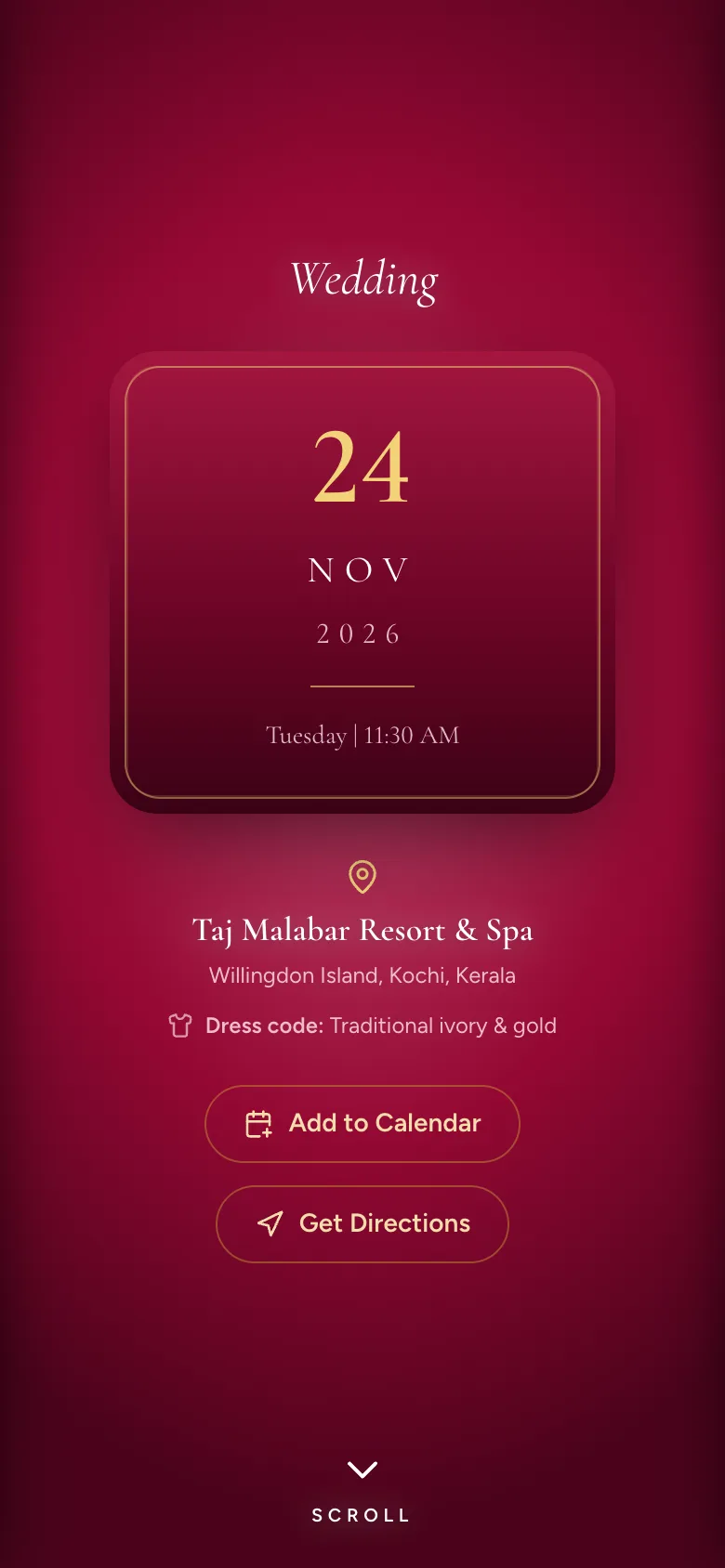
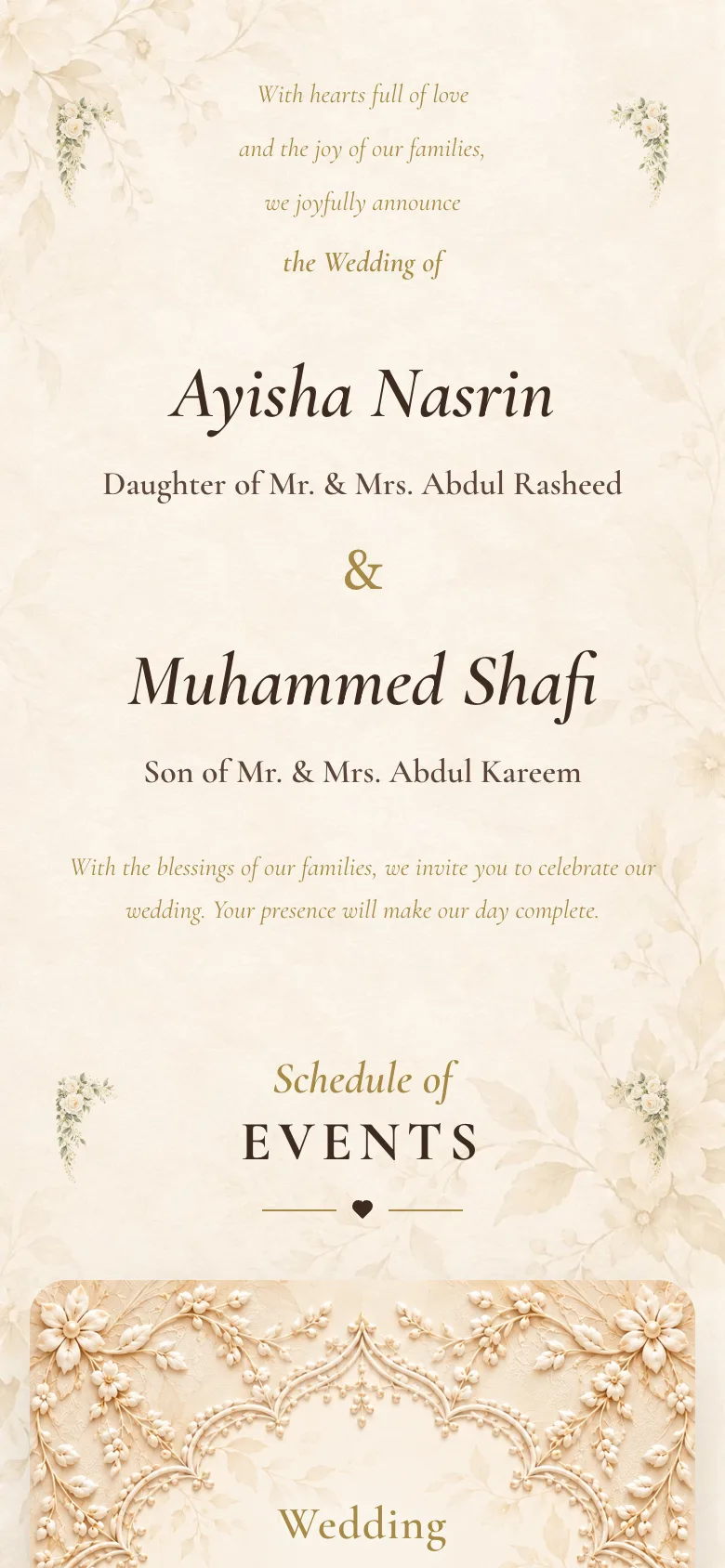
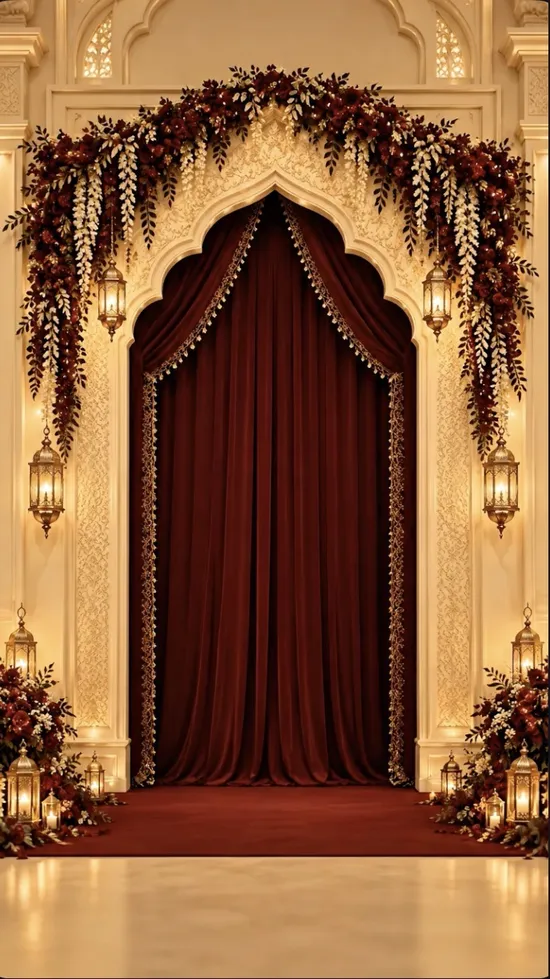
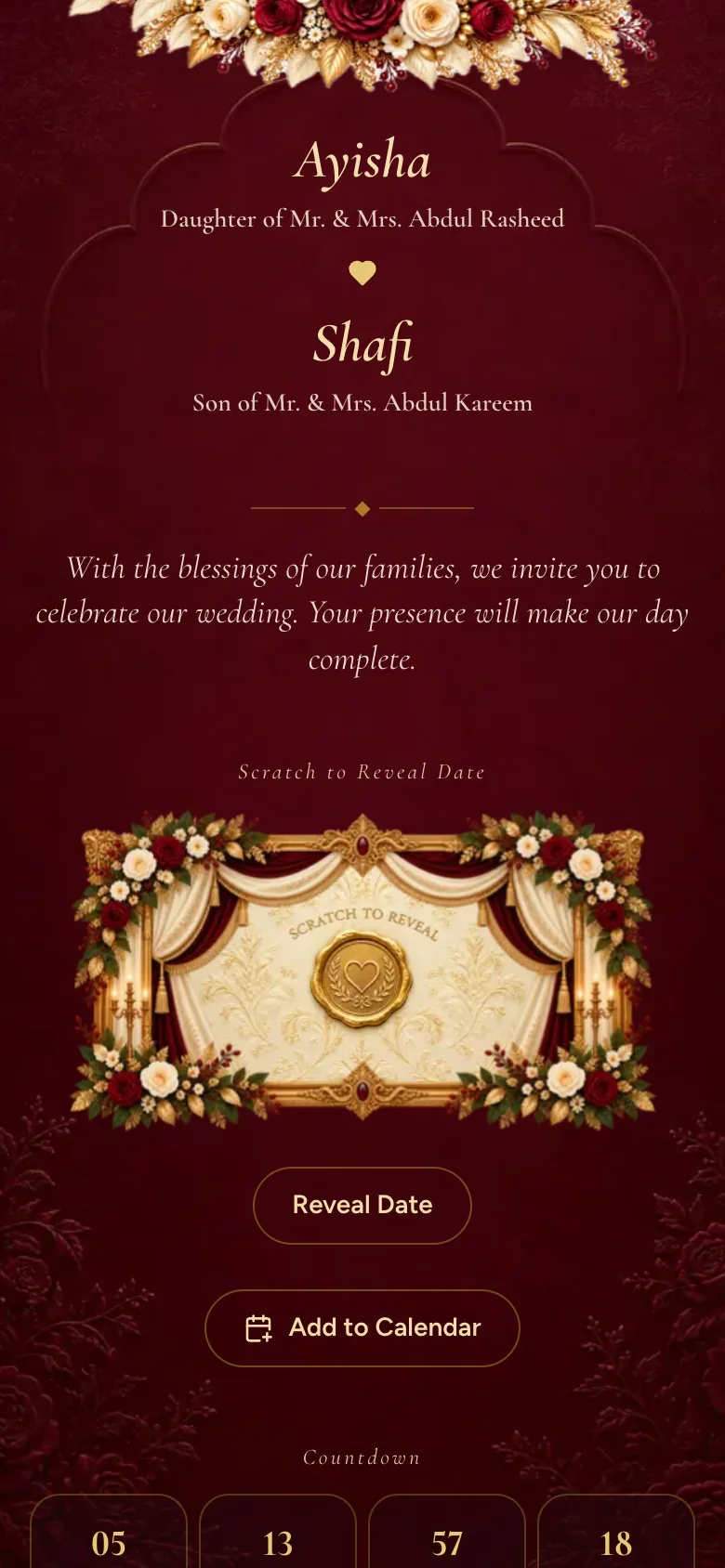
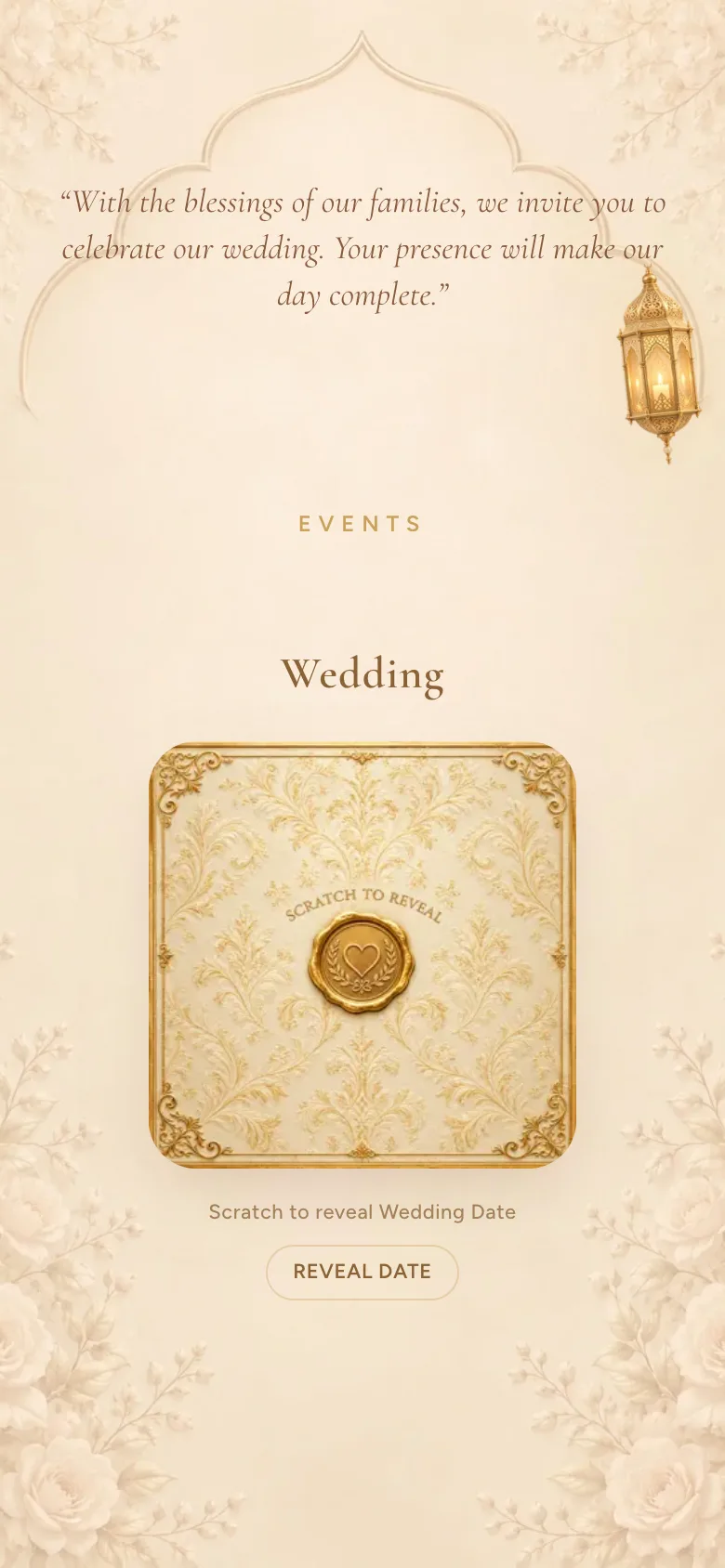
Designs ready for your digital invitation
After we read your card, pick a cinematic Forever Tale look — same designs as create from scratch.



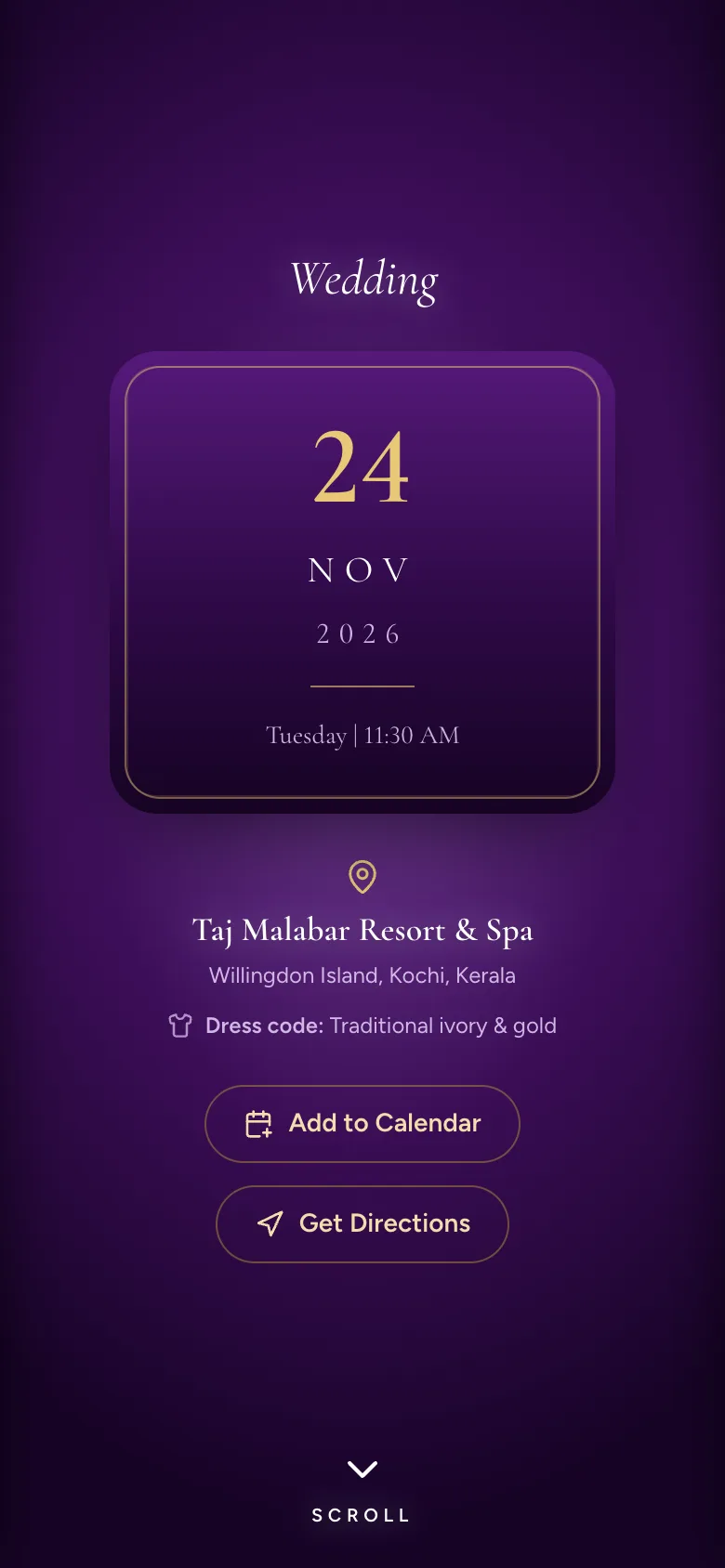

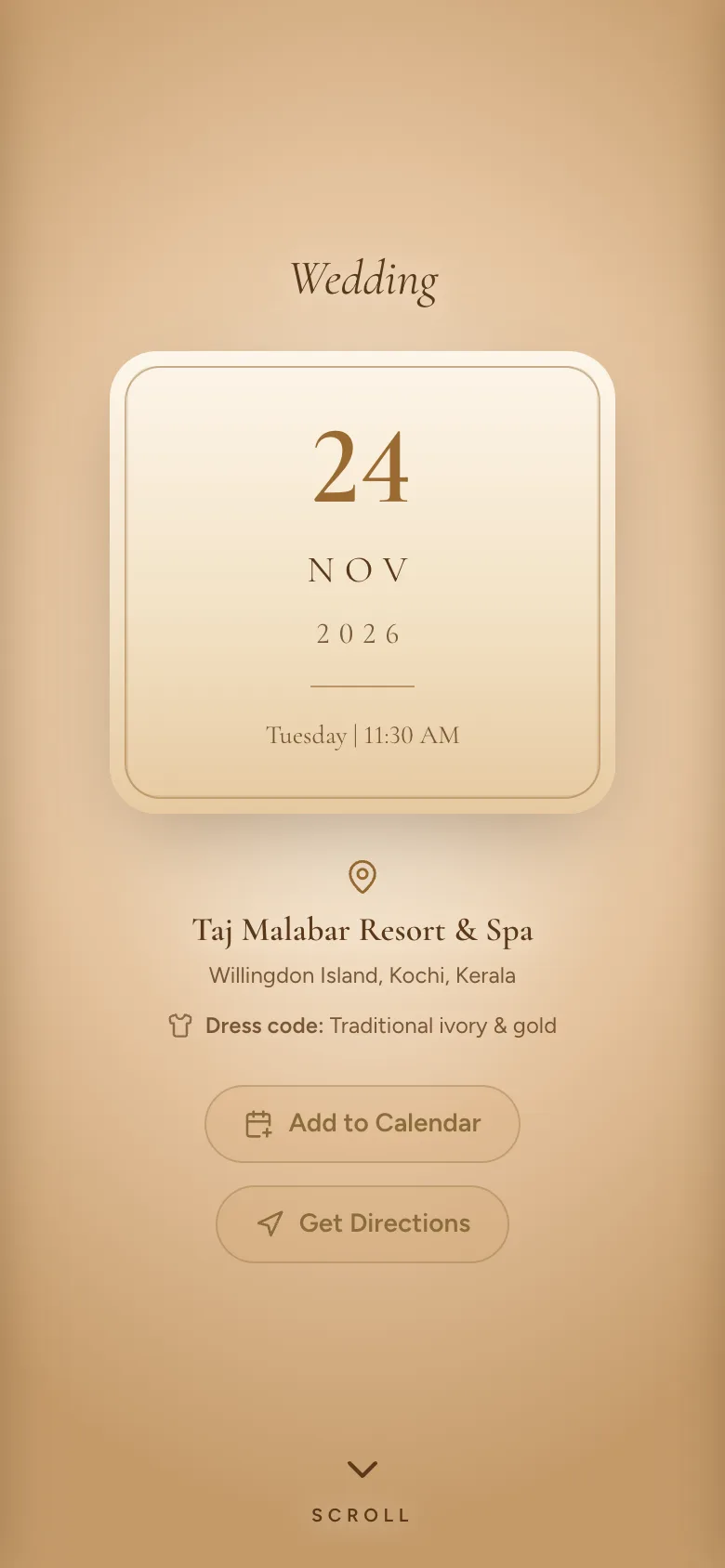
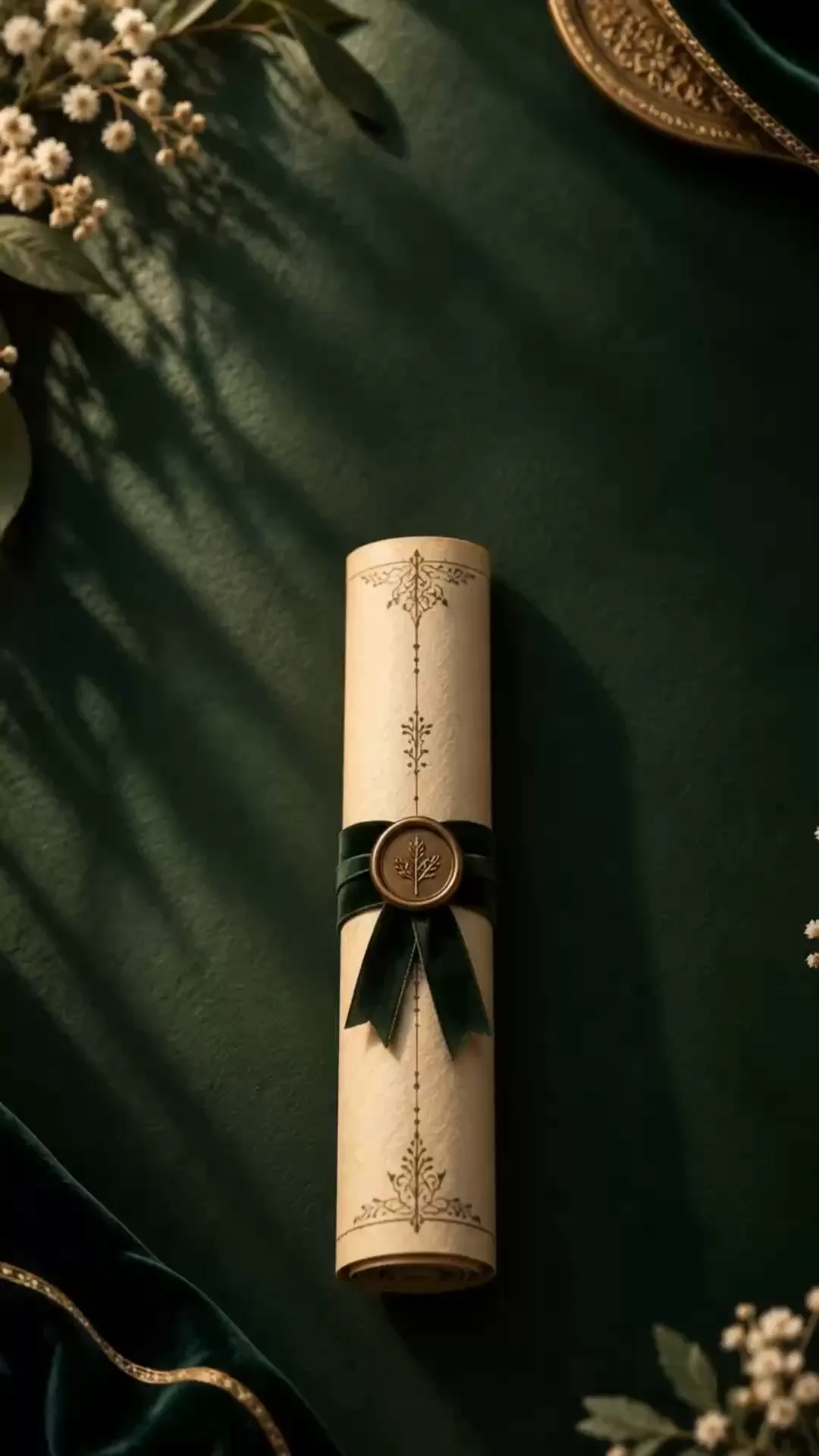
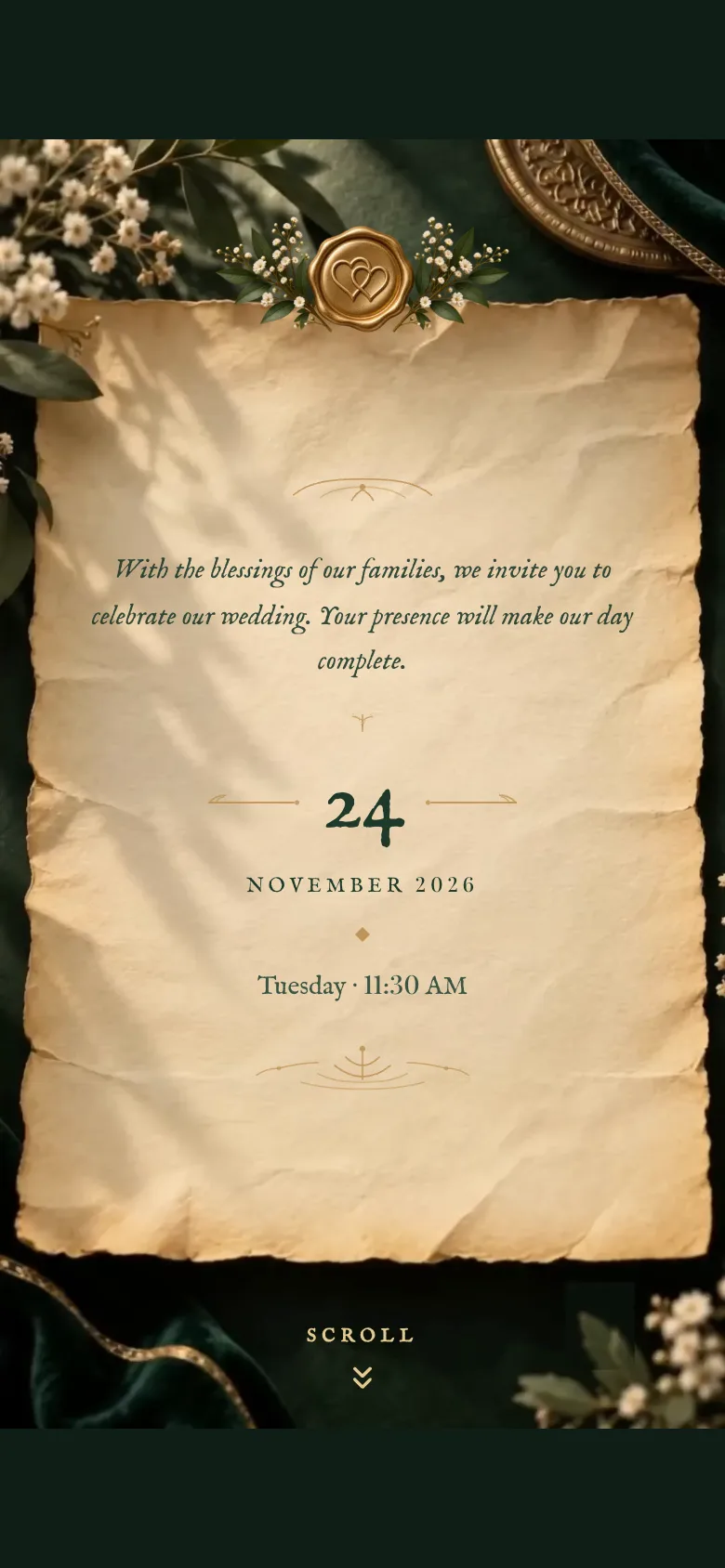
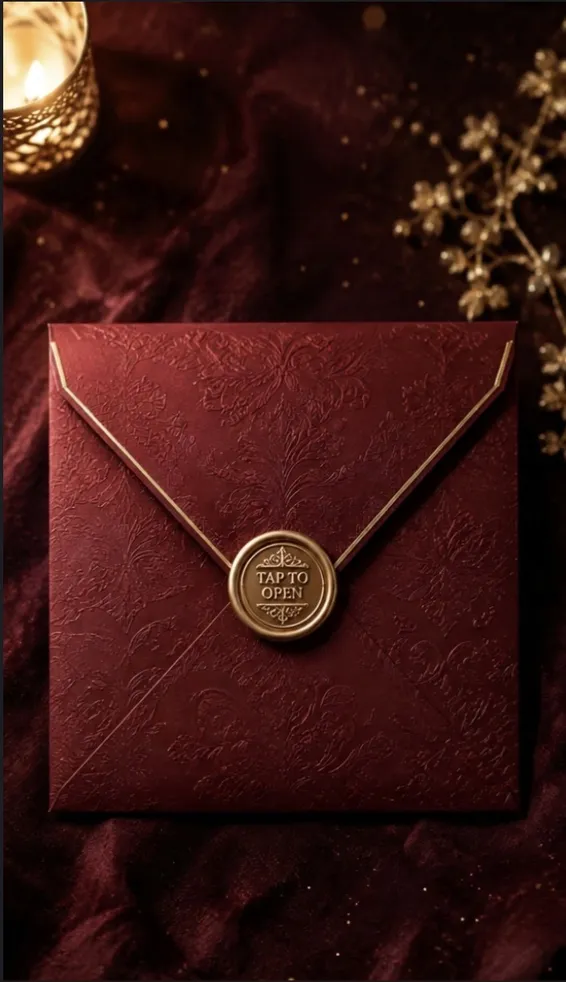
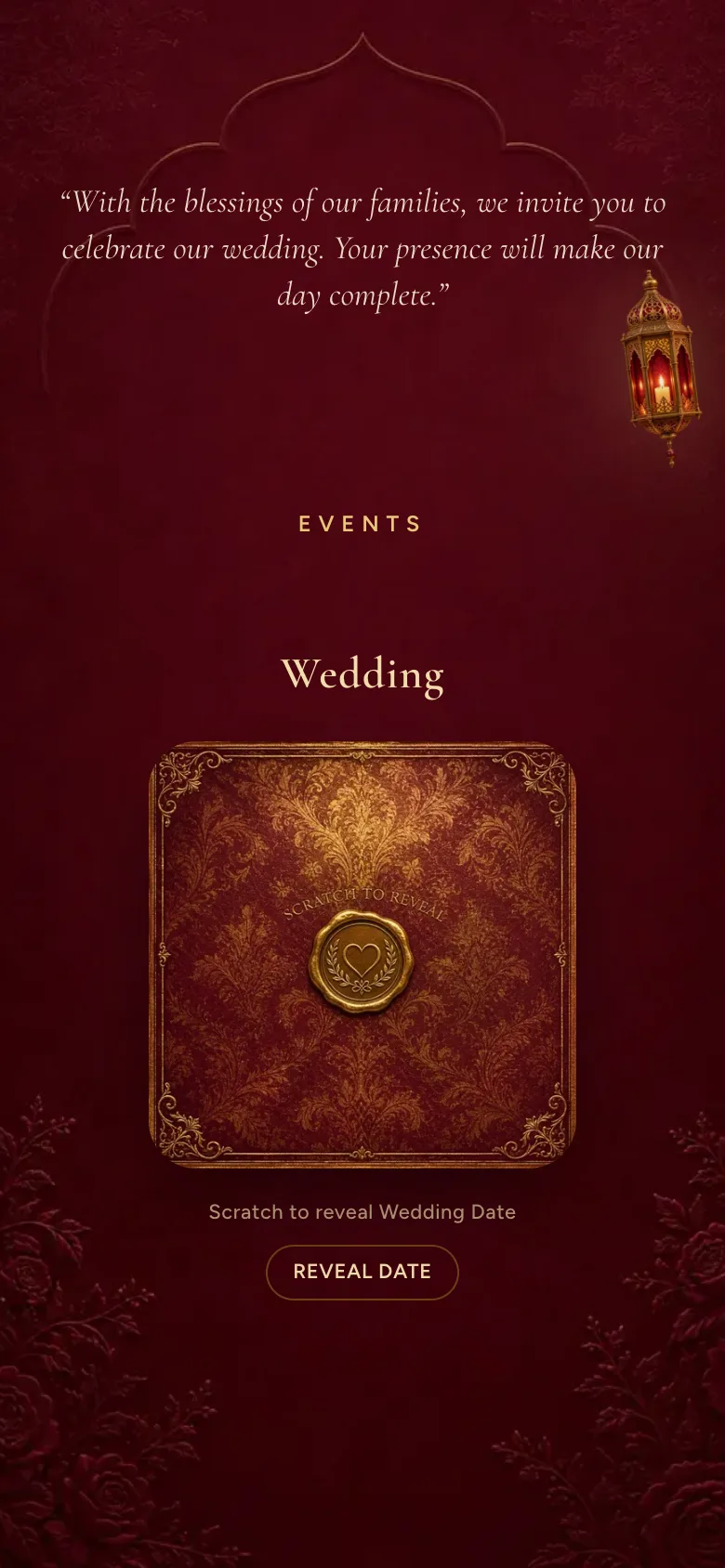

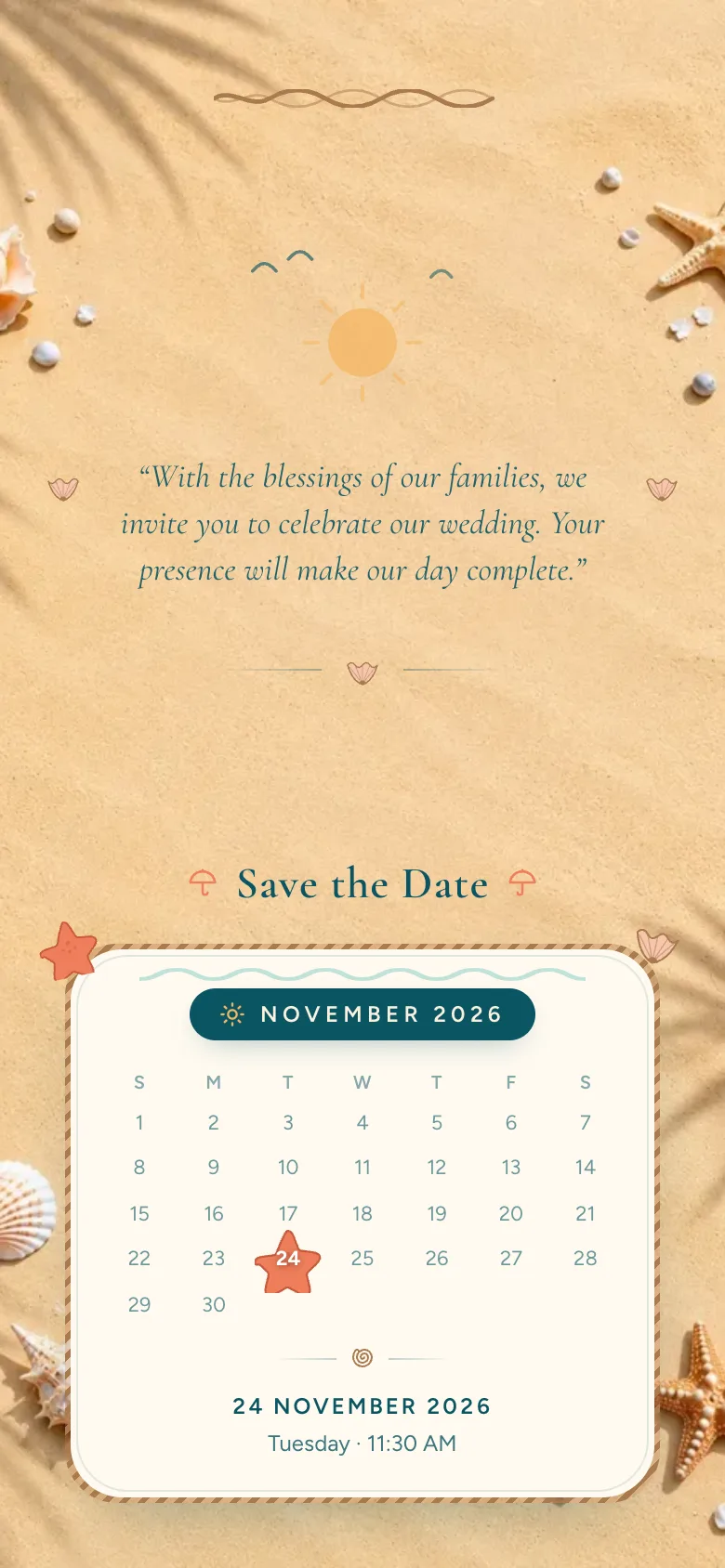

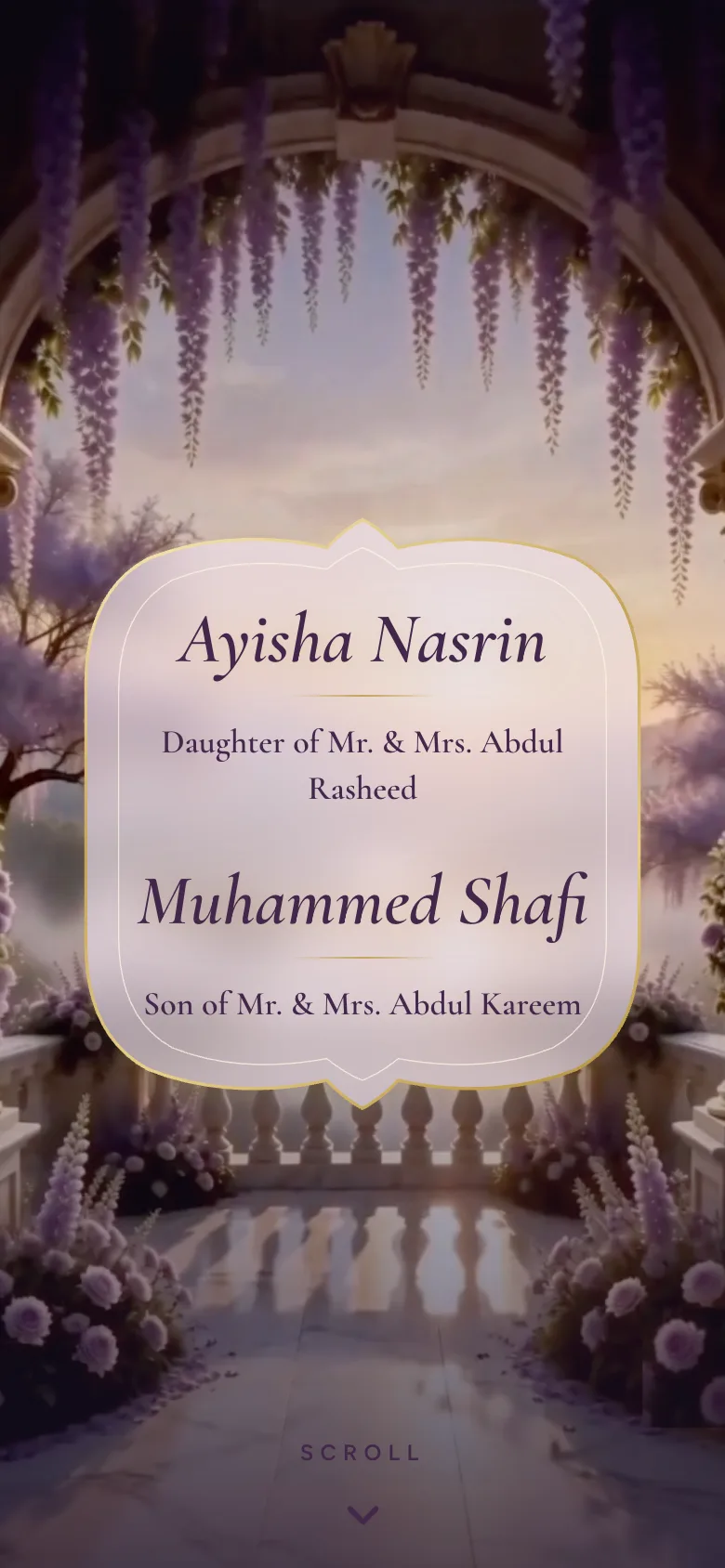

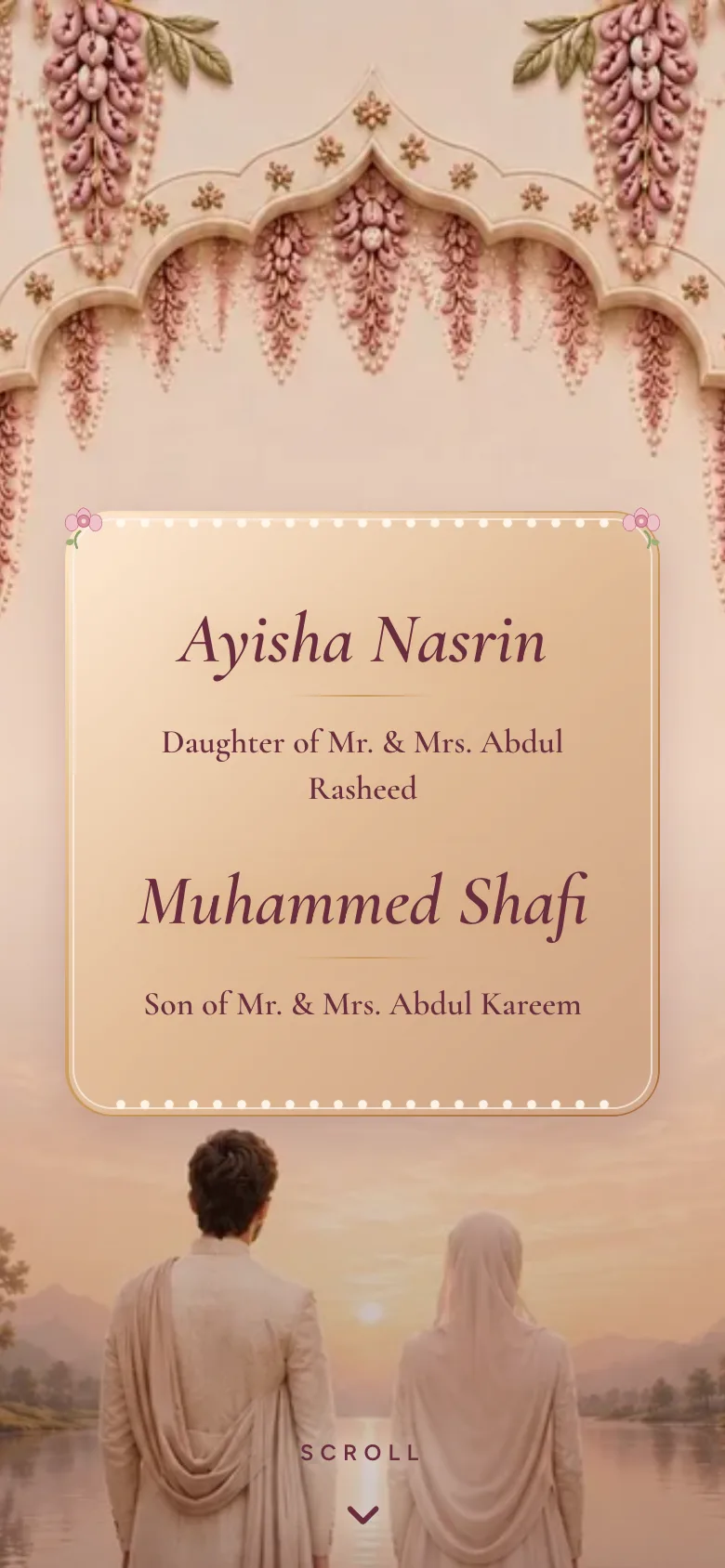

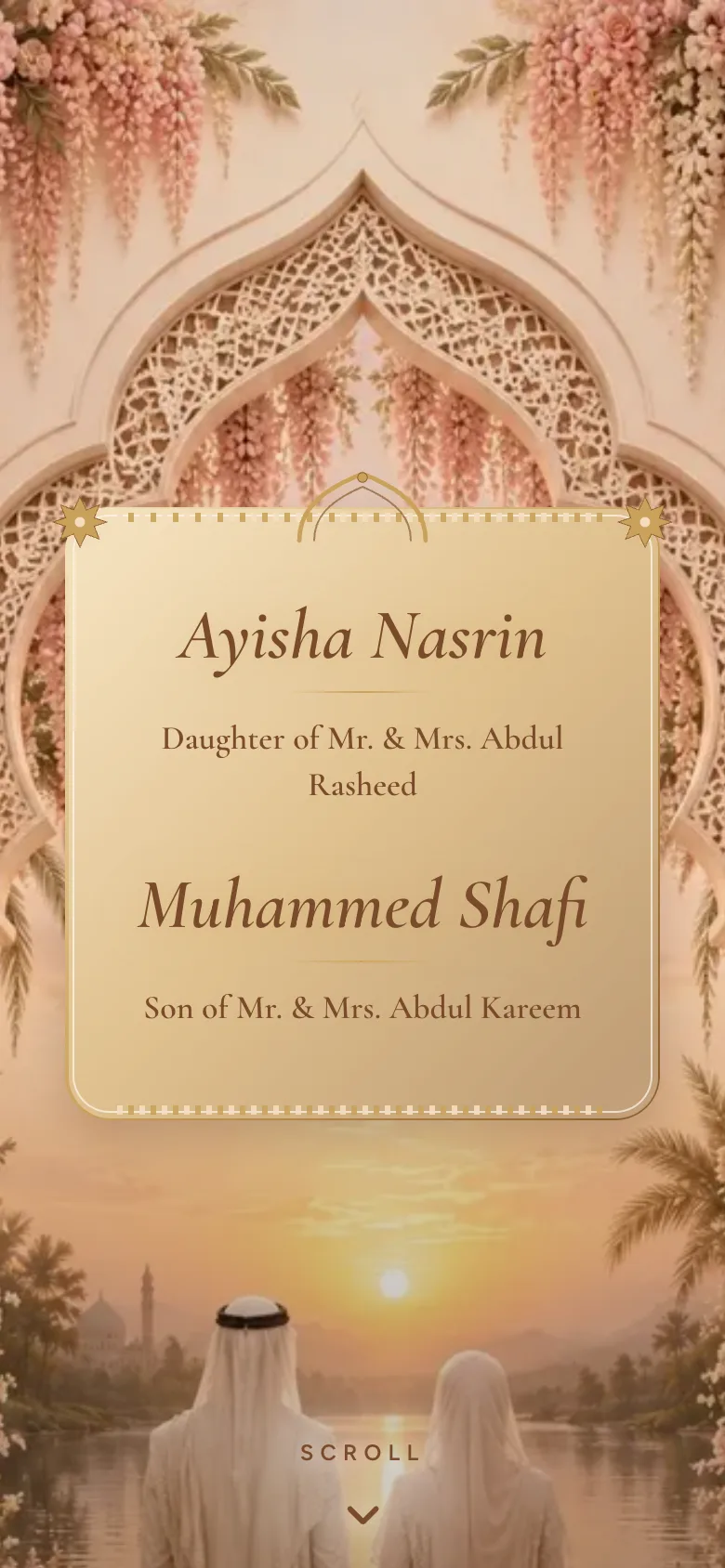
Why convert your card with Forever Tale
Upload PDF or photo
Use the file from your printer or a phone photo of the finished card — no redesign from scratch.
Details filled for you
We read the card and pre-fill names, date, venue and notes so you can review instead of retype.
Cinematic digital design
Choose a premium Forever Tale look — intro motion, music, countdown and RSVP ready for any wedding.
Shareable invitation link
Send one Forever Tale link on WhatsApp with live RSVP — guests open it on any phone.
Same story, digital reach
Keep your printed card for elders and the venue; give relatives abroad the interactive version.
Ready in about 10 minutes
Upload, pick a design and preview it — create for free before paying.
How to convert your invitation card
Upload your card
Add a PDF or a clear photo of your wedding, engagement or reception invitation.
We read the details
Couple names, event date, time and venue are extracted into your draft invitation.
Choose a design & share
Pick a Forever Tale design, save your invitation, preview, then share the link when you're ready.
Questions about converting your card
A PDF of your invitation, or a common image format (JPG, PNG, WebP). Use a sharp, well-lit photo of the full card so names and dates are readable.